Write like on paper
Pens, pencils and highlighters that respond to pressure, with lined, grid, dotted and Cornell paper. Draw a rough circle or arrow and it snaps into shape.
For Windows pen laptops and tablets
Write, sketch and highlight with your pen. Mark up lecture slides. Then let InkPad turn your notes into summaries, quizzes and flashcards, and remember what you learned.
Free to use. No account needed to start writing.
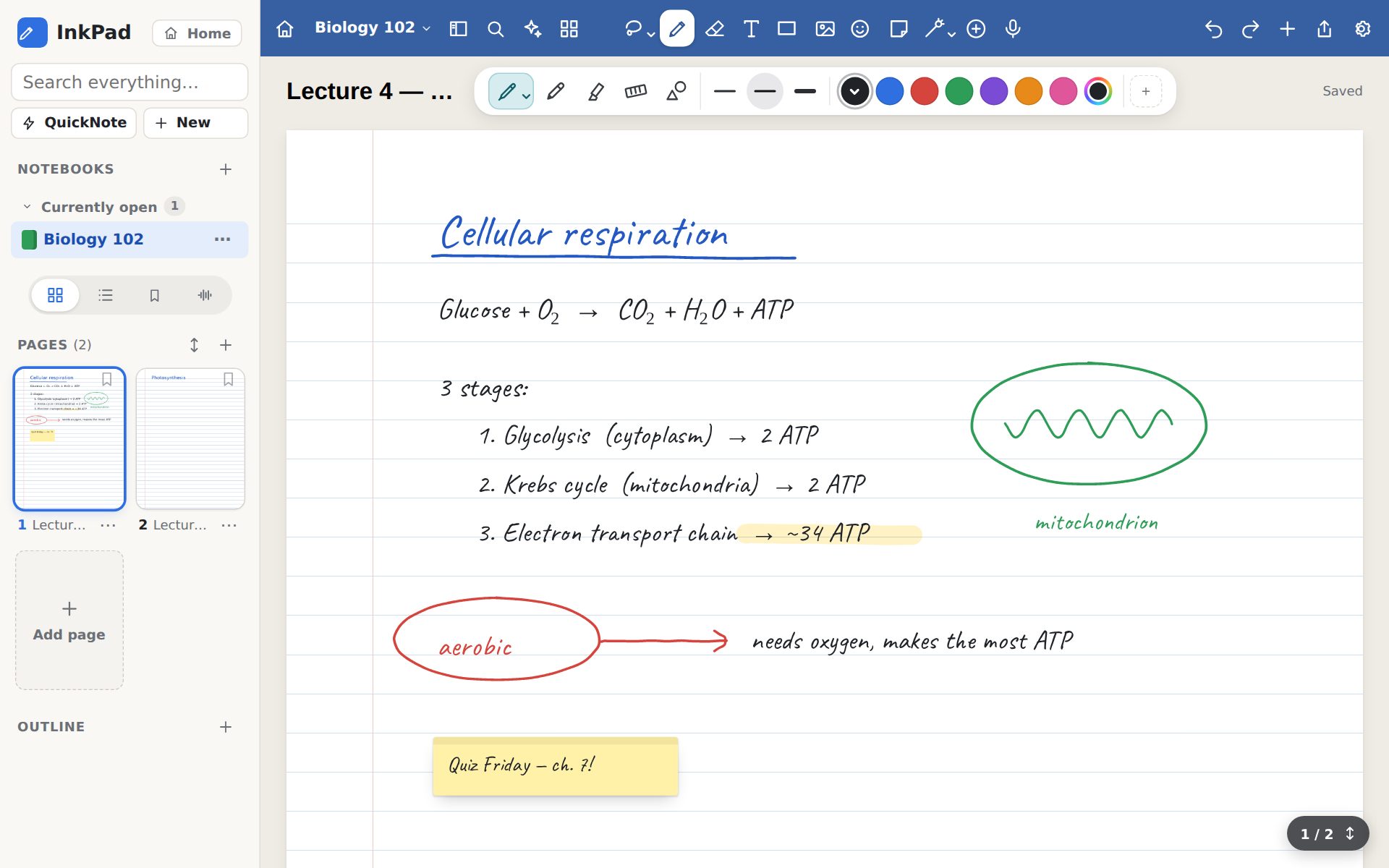
Built for pens first, so writing feels natural and nothing gets in your way.
Pens, pencils and highlighters that respond to pressure, with lined, grid, dotted and Cornell paper. Draw a rough circle or arrow and it snaps into shape.
Import lecture slides, readings and worksheets, then write right on them. Export back to PDF whenever you need to hand something in.
Turn your handwriting into typed text, and handwritten equations into clean math. Search finds words you wrote by hand, too.
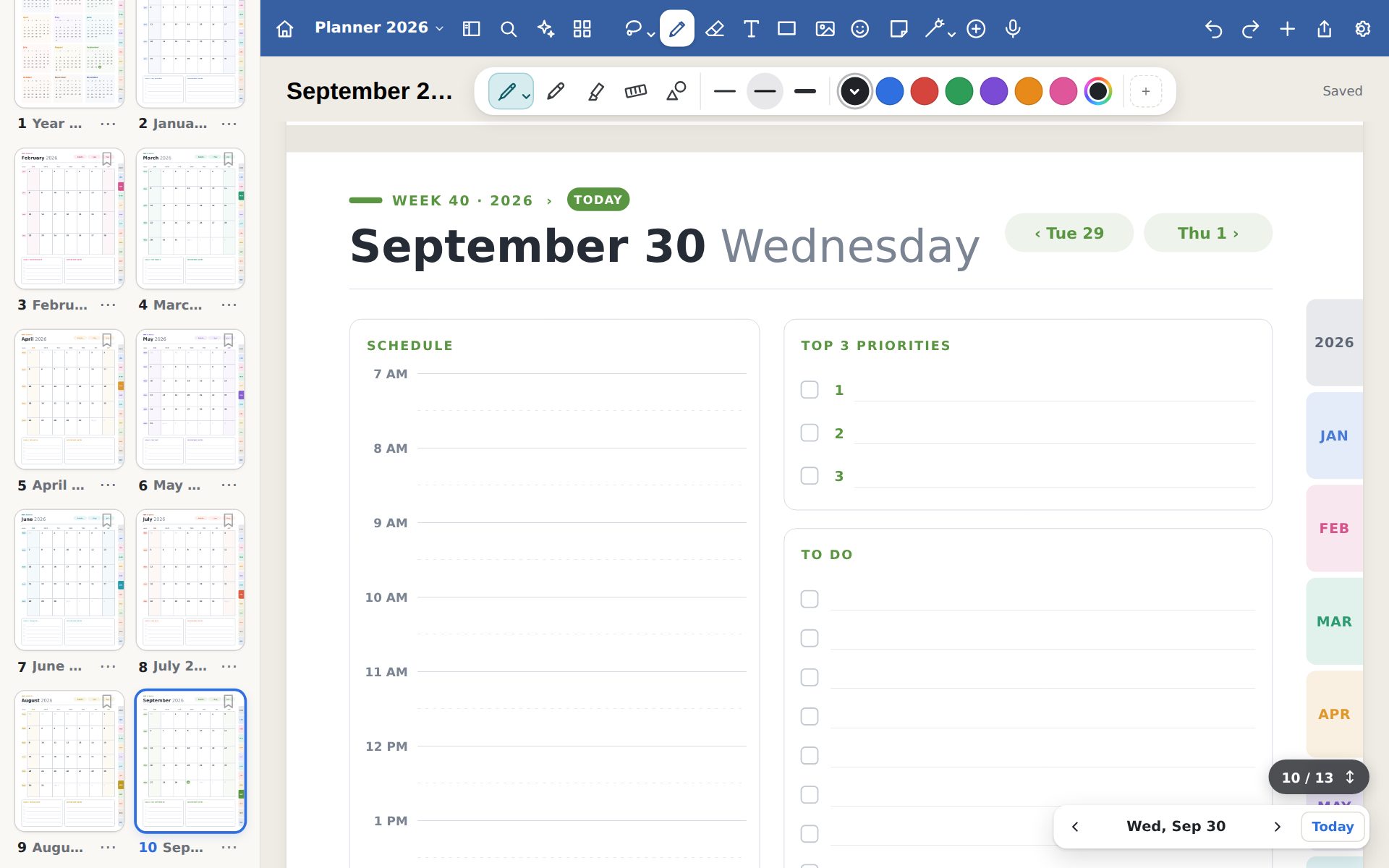
Make a year planner with monthly, weekly and daily pages that link to each other. Bring in your class calendar and see what's due.
Study sets with Smart Learn, which shows each card again right before you'd forget it. Make cards yourself, import them, or let AI make them from your notes.
Notebooks are saved as files on your computer. Keep them in OneDrive, Google Drive, Dropbox or iCloud Drive, and they sync between your computers.
Record audio while you write. Later, select something you wrote to hear what was being said at that moment.
Send classmates a link to a notebook. They can open a copy in InkPad or download it, and you can turn the link off at any time.
AI study assistant
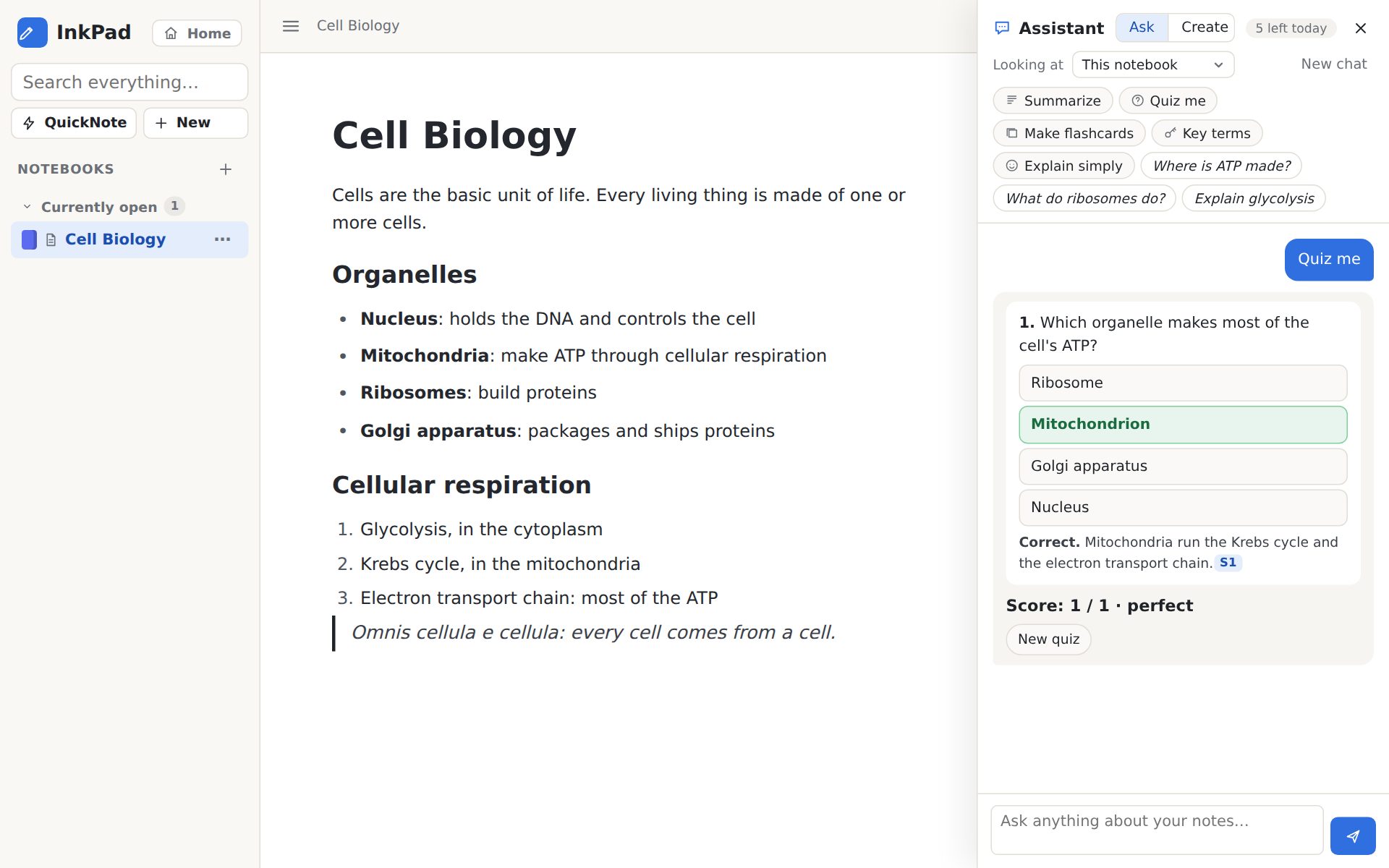
The assistant reads the page, notebook or whole library you point it at, and answers from your own notes, with the sources it used. Anything that isn't in your notes is clearly marked.
AI needs a free account, which includes 5 AI actions a day.
Study
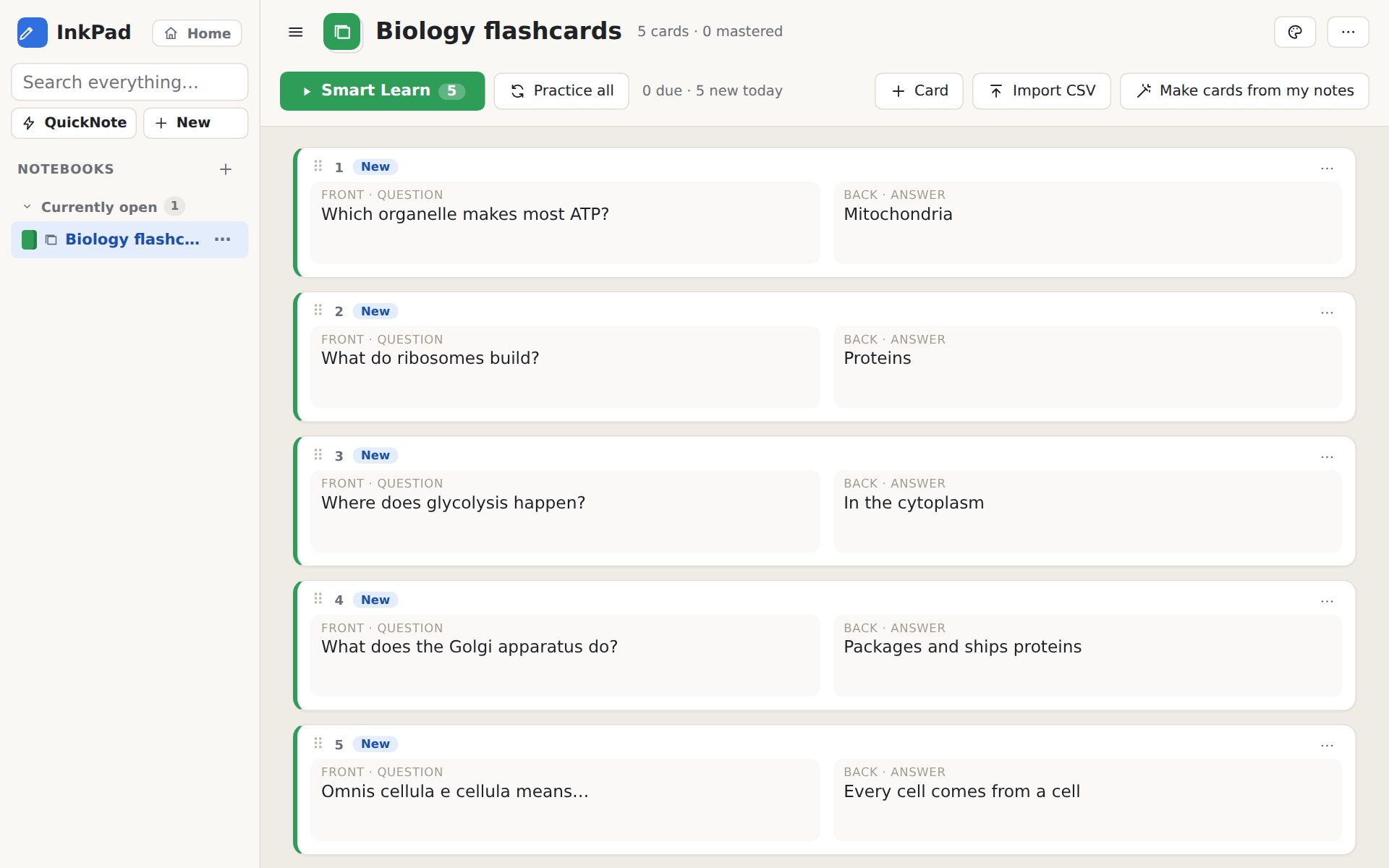
Smart Learn spaces out your reviews, so you spend your time on the cards you're about to forget, not the ones you already know. Every study set keeps track of what you've mastered.
Organize
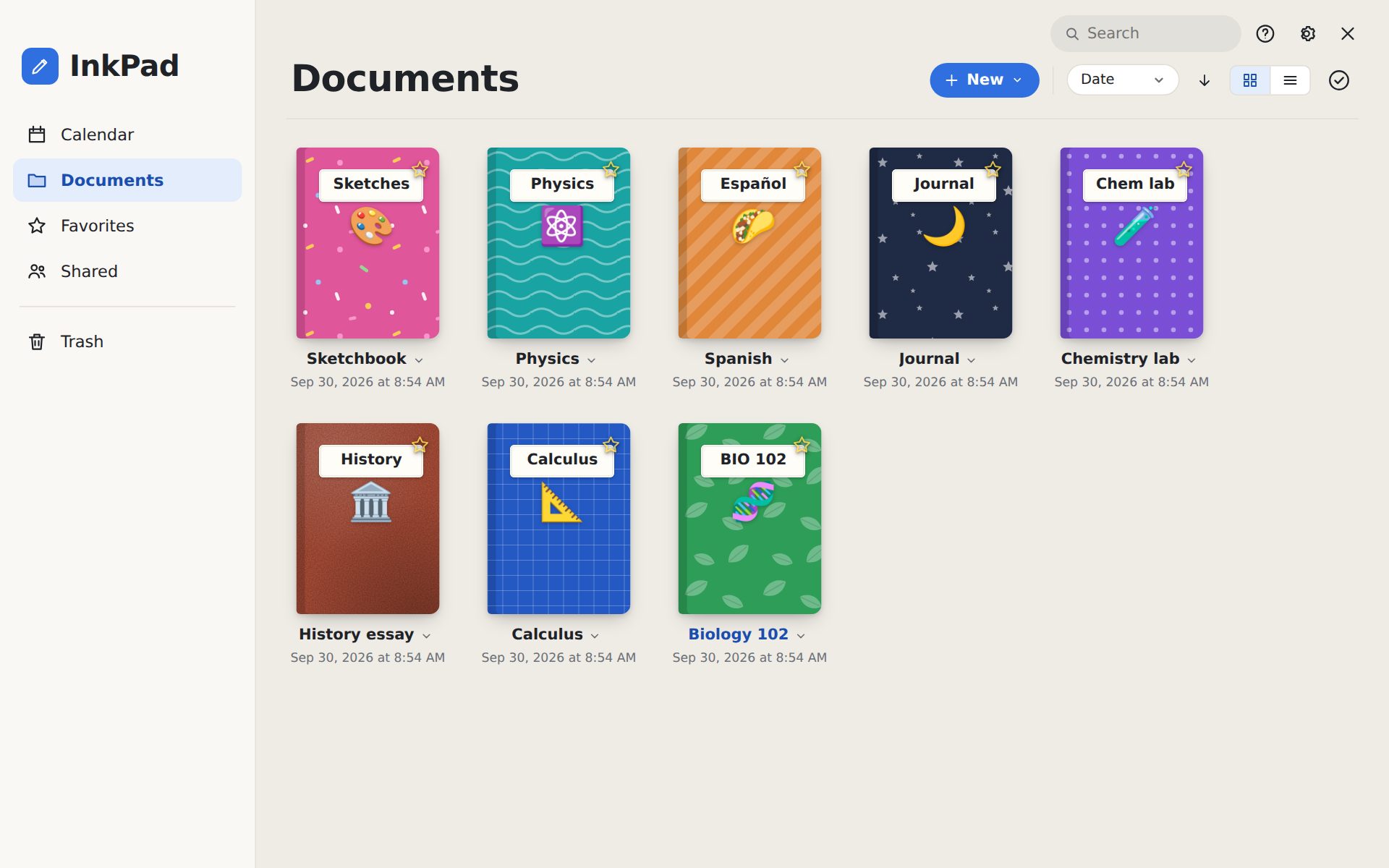
Give each notebook its own cover, sort them into folders, and star the ones you use every day. Notebooks, typed documents, whiteboards and study sets all live side by side.
Plan
Planners come with a page for every month, week and day, linked together with tabs, so you're always one tap from today. Write in your schedule, priorities and to-dos by hand.
Writing, PDFs, planners and flashcards are free. Premium adds more AI and removes the upload limit.
$0
no account needed
$0
with a free InkPad account
Best for studying
$5.99/month
or $24.99 for 6 months (save 30%), or $39.99 a year (save 44%)
Prices in US dollars, plus tax where it applies. Premium is bought inside the app and works on every computer you sign in on.
Privacy
A Windows 10 or 11 computer. It works with a mouse or trackpad, but it's made for pens: a Surface, a 2-in-1 laptop, or a drawing tablet.
No. You can use InkPad as a guest with up to 3 notebooks. A free account unlocks unlimited notebooks, share links and 5 AI actions a day.
Each answer from the assistant counts once: a question, a summary, a quiz, a set of flashcards, or converting handwritten math. Your count resets every day at midnight (Pacific time).
In InkPad, open Settings, then AI, and turn off Auto-renew. It takes one click, and Premium stays on until the end of the time you've paid for. We also email you a reminder before each renewal.
Yes. Ask within 14 days of a payment and we'll refund it. See the terms for the details.
Not yet. InkPad is for Windows today. If you'd like it on another device, tell us: it helps us decide what comes next.
Download InkPad for free and start writing in a minute.
Download for Windows